Voice changer
Your mic goes in, your character comes out, live. You talk and they hear the character.
Rolefield for Windows
A free voice changer, typed lines spoken in your character's voice, and live captions. It all runs on your machine, and there is nothing to pay.
Windows app available · Mac coming soon
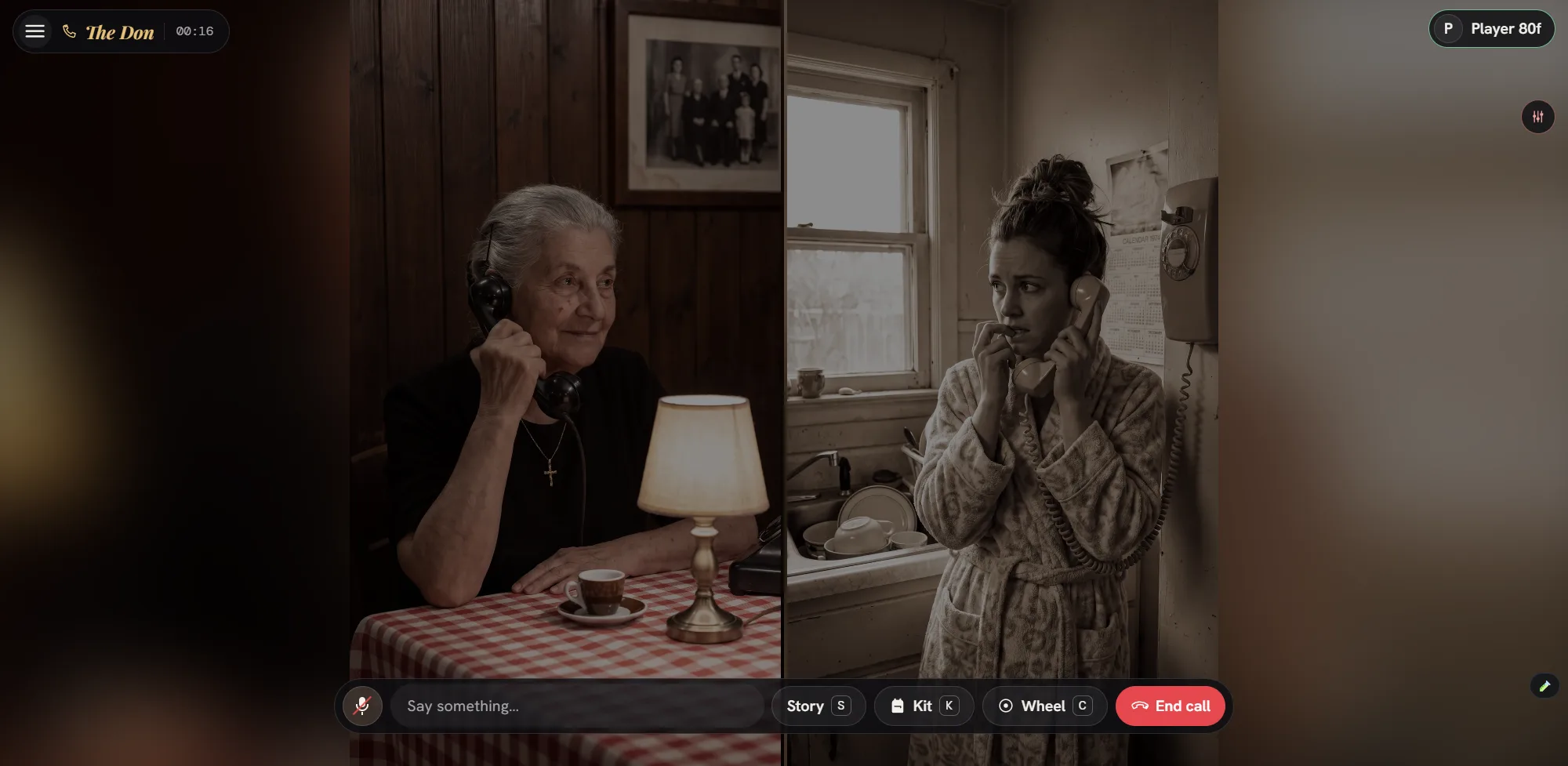
All of it is free, and none of it needs a paid plan.
Your mic goes in, your character comes out, live. You talk and they hear the character.
Type a line and hear it in your character's voice. Good for when you can't talk out loud.
Every line is captioned. It also notices when you laugh, so the scene can answer.
Windows has the full app today. The browser works right now, and the rest are on the way.
The full app, with the voice tools on your computer.
Download for WindowsNothing to install. Open it in any modern browser.
Play in your browserThe desktop app for Mac.
Coming soonRolefield in your pocket.
Coming soonRolefield on your Android phone.
Coming soonThe app is new and not signed yet, so Windows may stop you once.
Save the installer from the button above.
It installs by itself, with no questions.
Choose More info, then Run anyway.
Windows 10 and 11 · free · updates itself